React, Webpack 수동 설정
·Dev
#TIL
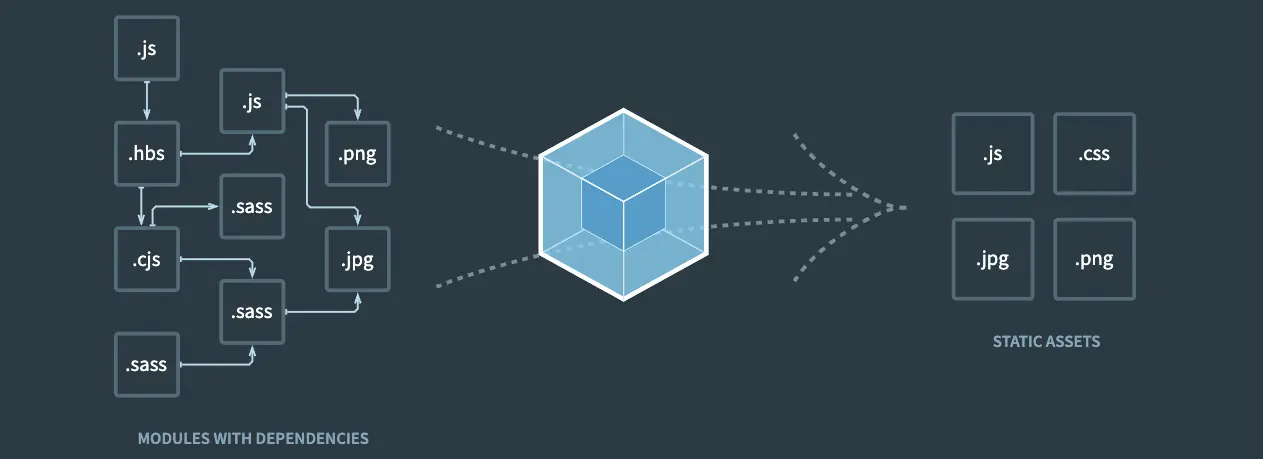
첫 프론트엔드를 공부할 때 기억이 새록새록하다. 프론트엔드에 관심이 있으신 팀원 분께 관련 지식을 공유하던 중 기억이 잘 나지 않아 리마인드겸 리액트 프로젝트를 웹팩으로 다시 설정해봤다.
가끔 보면 CRA(create—react-app) 명령어로만 개발을 해서 그런지 모듈 번들러나 바벨, 폴리필이 무엇이고 왜 사용하는지 모르는 분들이 종종 있었다. 편리함이 너무 오래 지속된 탓일까 ㅋㅋ
요즘은 웹팩 보다는 비트를 많이 사용하는 추세지만 설정 방식이 비슷해서 처음 공부할 때는 웹팩으로 접근해도 나쁘지 않다.
package.json
...
"scripts": {
  "dev": "webpack serve --mode=development",
  "build": "webpack"
},
"devDependencies": {
    "@babel/cli": "^7.22.15",
    "@babel/core": "^7.22.20",
    "@babel/preset-env": "^7.22.20",
    "@babel/preset-react": "^7.22.15",
    "babel-loader": "^9.1.3",
    "html-webpack-plugin": "^5.5.3",
    "webpack": "^5.88.2",
    "webpack-cli": "^5.1.4",
    "webpack-dev-server": "^4.15.1"
  },
  "dependencies": {
    "react": "^18.2.0",
    "react-dom": "^18.2.0"
  }
...
구조
webpack-study
├─ dist
│  ├─ bundle.js
│  └─ index.html
├─ package.json
├─ src
│  ├─ App.jsx,
│  ├─ index.html,
│  └─ index.js
├─ webpack.config.js
└─ yarn.lock
webpack.config.js
const path = require('path')
const HtmlWebpackPlugin = require('html-webpack-plugin')

module.exports = {
  mode: 'development',
  resolve: {
    extensions: ['.js', '.jsx'],
  },
  entry: './src/index.js',
  output: {
    path: path.join(__dirname, 'dist'),
    filename: 'bundle.js',
    publicPath: '/',
    clean: true,
  },
  module: {
    rules: [
      {
        test: /\.(js|jsx)$/,
        exclude: /node_modules/,
        use: {
          loader: 'babel-loader',
          options: {
            presets: ['@babel/preset-env', '@babel/preset-react'],
          },
        },
      },
    ],
  },
  plugins: [new HtmlWebpackPlugin({ template: './src/index.html' })],
  devServer: {
    host: 'localhost',
    hot: true,
    port: 8080,
    historyApiFallback: true,
  },
}
index.js
import React from 'react'
import ReactDOM from 'react-dom/client'
import App from './App'

const root = ReactDOM.createRoot(document.getElementById('app'))
root.render(<App />)
App.jsx
import React from 'react'

export default function App() {
  return <div>Hello React!</div>
}